| Adjust
|


|
|
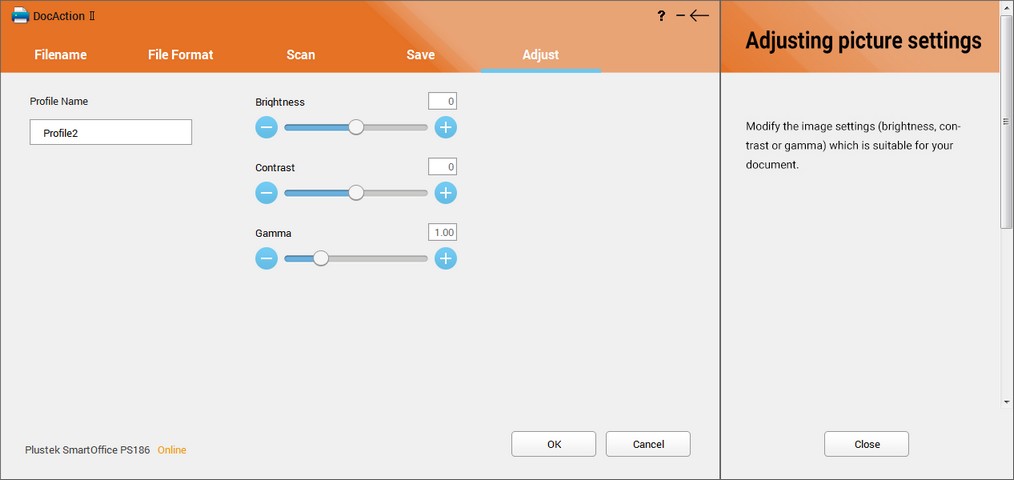
| You may adjust the Brightness, Contrast and Gamma settings in this page.
|
|
|
|
|
|
| · | Brightness
|
| Raising the brightness increases the amount of white in an image, making it appear more washed out. Lowering the brightness may help you read light or faint text.
|
| · | Contrast
|
| The higher the contrast, the sharper the image. The lower the contrast, the more blurry an image will be.
|
|
|
| This feature is not available when BW is selected as Color Mode.
|
| · | Gamma
|
| Image Gamma is used to adjust the colors in the image that will be scanned into the computer. Gamma values are primarily a measure of the brightness of a color. The larger the gamma value, the brighter the color becomes.
|
|
|
| This feature is not available when BW is selected as Color Mode.
|
|
|